Part of the Launch Your Dream AI Series
Mon to Fri, 8am to 6pm Sydney time

The platform
Everything that wins, books and follows up the work
Eight modules that work as one system, set up from our plumbing and handyman template. Each one has its own page below.
Modules
Pick a module to see how it works

Answers every call, books the job and texts you the details while you work.
Launch, Elevate, Dominate and Custom
Learn more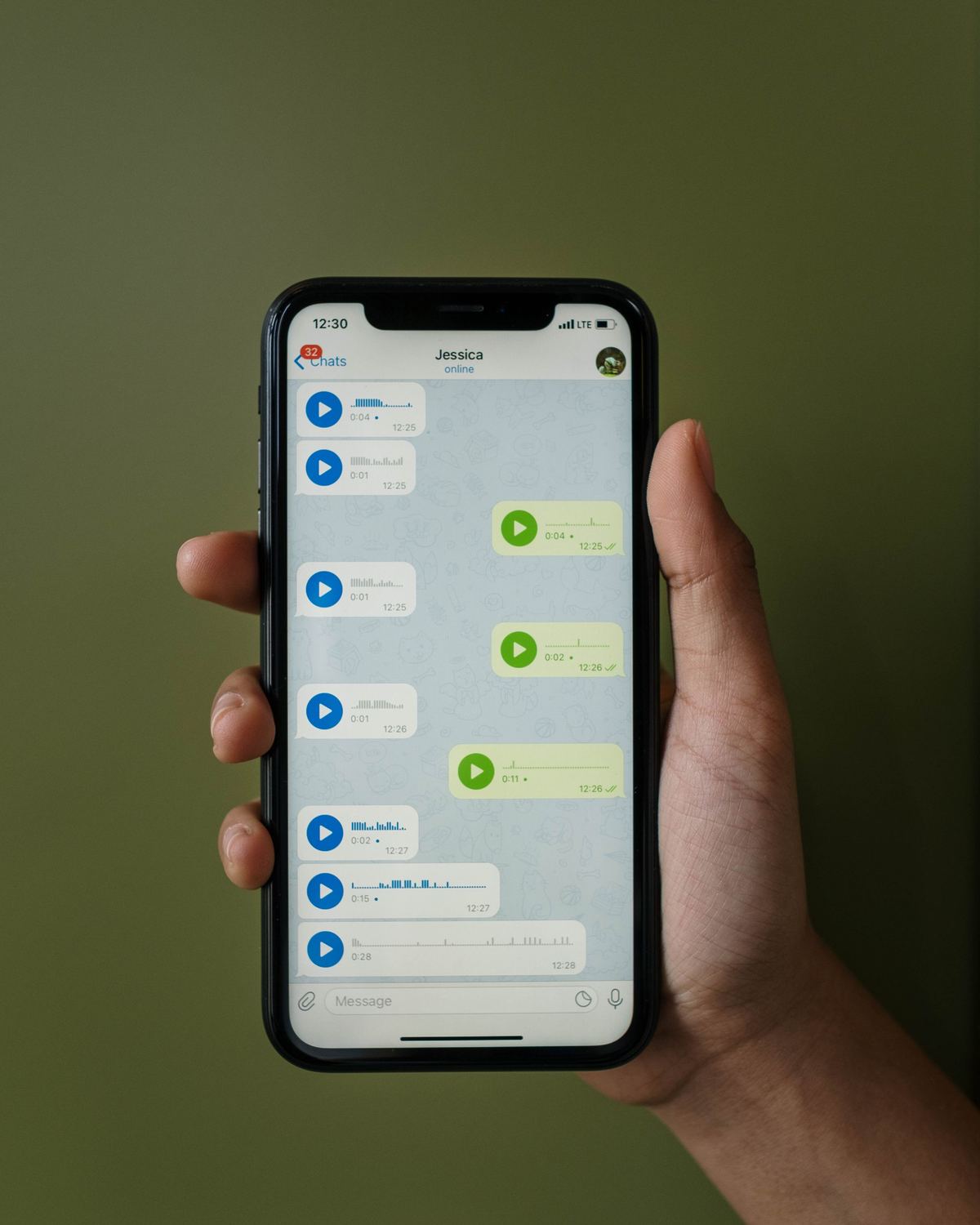
Every missed call gets an instant text with a booking link, so the job does not go to the next number on Google.
All plans
Learn more
A fast StoryBrand website with a page for every service and suburb you want to win.
Elevate, Dominate and Custom (free on annual billing)
Learn more
One place for every call, quote, job and invoice, with follow-up that runs itself.
All plans
Learn more
Rank on Google and get named when people ask AI assistants for a plumber near them.
Elevate, Dominate and Custom
Learn more
Campaigns for the jobs you want, tracked to booked work rather than clicks.
Add-on for Launch and Elevate; included in Dominate
Learn more
Quotes, invoices and text-to-pay, so you get paid before you leave the driveway.
Launch and above
Learn more
How they fit together
One job, from first call to five-star review
The modules share one inbox, one calendar and one customer record, so nothing is typed in twice.
- Step One

A customer calls, texts or fills in a form
The AI receptionist answers, or missed-call text-back replies within seconds. Web chat, Facebook and Instagram messages land in the same inbox.
- Step Two
The job is booked or quoted
Routine work goes into your calendar, urgent work goes to the on-call plumber, and quotes follow up automatically until the customer decides.
- Step Three
You do the work and get paid
Invoice from the job and send a text-to-pay link. Reminders chase anything unpaid.
- Step Four

The customer is asked for a review
A review request goes out when the job is marked done, and a reply is drafted for you to approve.
- Step Five
They come back when the service is due
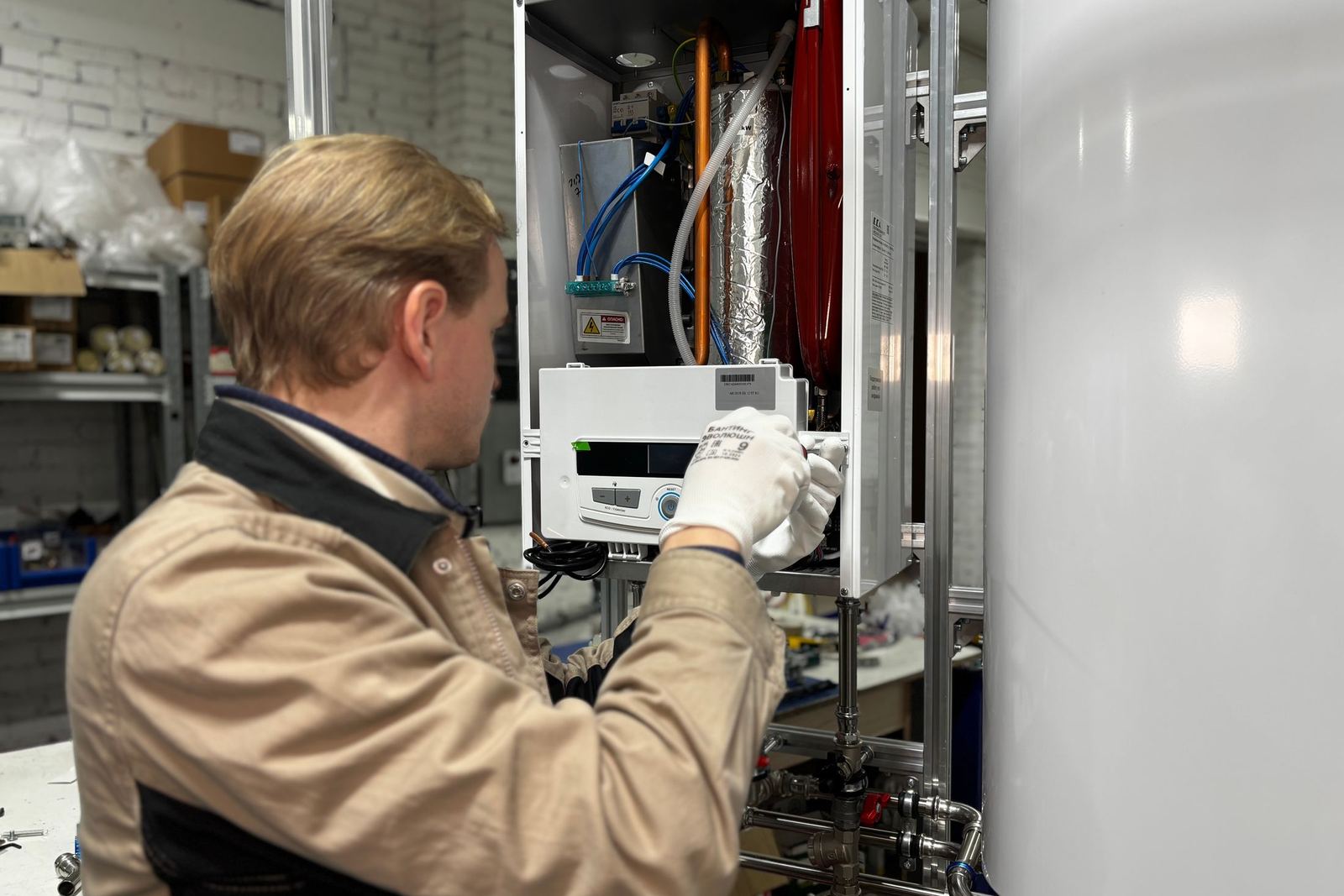
Date-based reminders bring back past customers for backflow testing, hot water servicing and maintenance.